Generator comparisons
Best free QR code generators in 2026, compared
Ten free QR code generators compared on signup, downloads, logos and dynamic codes, and what happens to printed codes when a trial or plan ends.
How we compared them
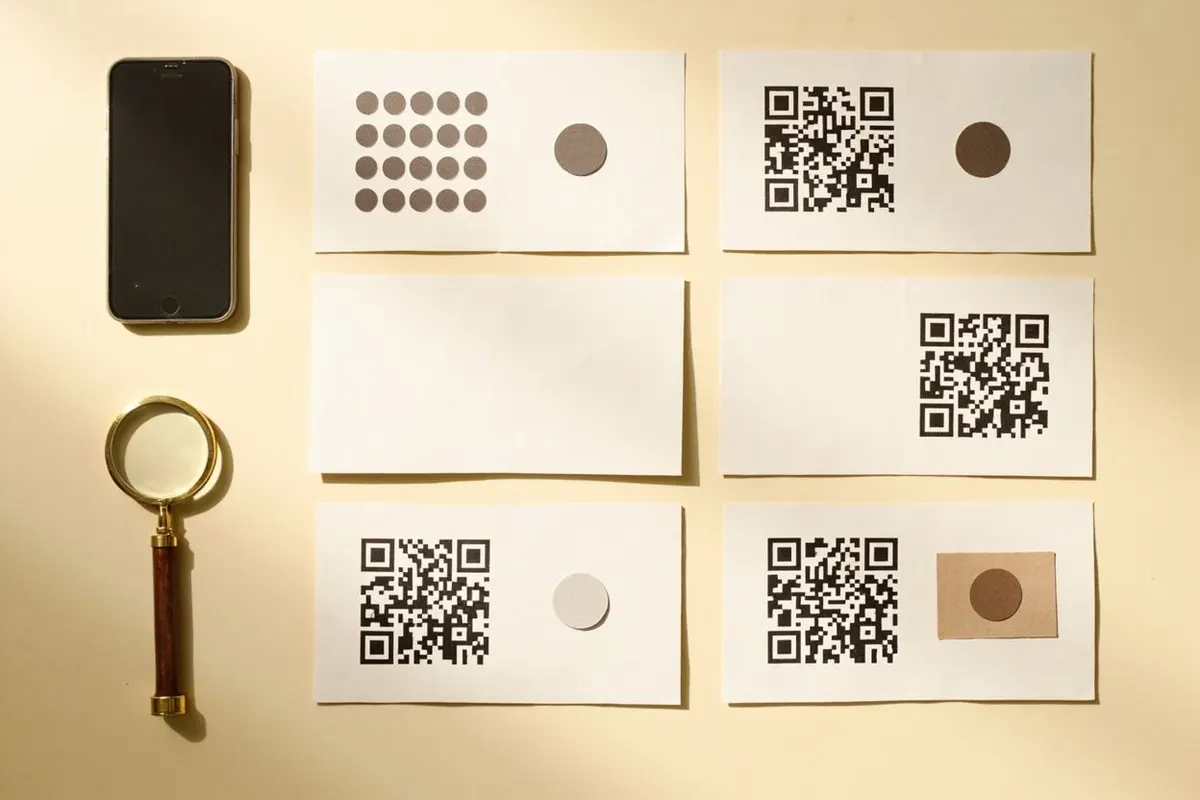
We compared ten QR code generators that people commonly use for free codes, on what matters once a code is printed: whether you need an account, which files you can download, whether you can add a logo, whether dynamic codes are free, and what happens to those codes when a trial or plan ends.
Facts come from each provider’s own pricing, help and feature pages, checked on 27 September 2026. Prices and quotas change, so check the linked page before you commit. QRToolset publishes this page and is one of the tools listed. We have not benchmarked speed or audited any provider’s security.
QRToolset: free static codes with no account
Best for: quick static codes for links, Wi-Fi, contacts and payments, made on a phone or laptop without signing up.
All 25 static QR types are free, with no account, scan limit or expiry. Codes are generated in your browser, and you can add colours, shapes and a PNG, JPG, GIF, SVG or WebP logo up to 2 MB before downloading PNG from 200 to 4,000 pixels, SVG, or classic PDF and EPS.
Editable codes are paid: Pro is $9 a month for 10 and Business is $19 a month for 100. They open web pages and hosted files, and if you cancel they keep their last destination. There is no bulk creation, team seats, custom domain or public API.
Source: QRToolset plans and limits.
QRCode Monkey: free static codes with print formats
Best for: designers who want a free static code with a logo and vector files.
QRCode Monkey makes static codes without an account and says they work forever. You can upload a PNG, JPG, GIF or SVG logo up to 2 MB, choose shapes and colours, and download PNG, SVG, PDF or EPS, though PDF and EPS keep the classic look.
It has no paid plan on its own site. Dynamic codes and tracking are sold through its sister product, QR Code Generator PRO.
Source: QRCode Monkey features and FAQ.
Adobe Express: free codes inside a design tool
Best for: people already designing a flyer or social post in Adobe Express.
Adobe Express makes free static QR codes that do not expire, with colour, shape and logo options, and downloads them as PNG, JPEG or PDF. You need a free Adobe account, and there is no SVG download or scan tracking.
Source: Adobe Express QR code generator.
Canva: static codes placed in your designs
Best for: adding a code to a Canva design you are already working on.
Canva’s Static QR codes app is free on any plan and needs a Canva sign-in. It places the code straight onto your design. For a standalone file to hand to a printer, a dedicated generator gives you more download options.
Source: Canva Static QR codes app.
QRCodeChimp: the largest free dynamic allowance
Best for: small teams who want free dynamic codes and a management dashboard.
The free plan includes unlimited static codes and 10 dynamic codes that share 1,000 scans a month. Dynamic codes pause when the monthly cap is reached and resume the next month. Logo upload, bulk creation and API access sit on paid plans, which start at $9.99 a month, or $6.99 a month billed annually.
If a paid plan is not renewed, dynamic codes beyond the most recent 10 are paused.
Source: QRCodeChimp plans and limits.
QR TIGER: dynamic codes with bulk and API
Best for: businesses that need bulk creation or an API and are ready to pay.
QR TIGER asks you to register, without a card, for its free plan: 3 dynamic codes with 500 scans each, carrying QR TIGER branding. Logo upload is a paid feature, and bulk creation and API access start on the Regular plan. Check its payment page for current prices.
Source: QR TIGER plans.
Flowcode: marketing codes with a small free plan
Best for: marketers who want designed codes tied to landing pages and analytics.
Flowcode’s free plan covers 2 codes and 500 scans, and Pro Plus is $25 a month. After a downgrade, only your 2 most recent codes stay manageable, though Flowcode says older codes keep scanning.
Source: Flowcode on codes after cancelling.
QR Code Generator PRO, Uniqode and TQRCG: trials first
Best for: teams that will pay for a dynamic QR platform from day one.
These services lead with dynamic codes. QR Code Generator PRO offers a 14-day trial with 2 dynamic codes, and says deactivated dynamic codes send scanners to a service page. Uniqode gives free static codes and a 14-day dynamic trial, after which dynamic codes become inactive. Its Starter plan is $9 a month, billed annually.
The QR Code Generator, or TQRCG, needs a signup and includes 2 free ad-supported dynamic codes with 14 days of analytics. Its help centre says cancelling deactivates the codes in your dashboard. Read these terms before printing a trial code on anything permanent.
Source: Uniqode plans and trial terms.
How to choose the right one
For a single static code, such as a Wi-Fi card, a review link or a website, any free static generator works and the code will not expire. Pick one with the downloads you need and no signup step, such as QRToolset or QRCode Monkey.
If you design in Adobe Express or Canva, their built-in codes save a step. If you need free dynamic codes, QRCodeChimp’s free tier is the largest here, but mind the shared scan cap.
QRToolset does not offer bulk creation, team seats, custom domains or an API. If you need bulk creation or an API, QRCodeChimp and QR TIGER include them on paid plans. Whatever you choose, read what happens to dynamic codes when you stop paying, and scan a printed proof before the full run.
Common questions
What is the best free QR code generator?
It depends on the job. For static codes with no signup, QRToolset and QRCode Monkey are both free with logo upload and PNG and SVG downloads. For free dynamic codes, QRCodeChimp has the largest free allowance of the tools compared here.
Which free QR code generator has no expiration?
Static codes do not expire on any generator, including QRToolset, QRCode Monkey, Adobe Express and Canva. Dynamic codes are different: several providers deactivate or pause them when a trial, plan or scan allowance ends.
Is there a truly free dynamic QR code generator?
Only within small limits. QRCodeChimp gives 10 dynamic codes sharing 1,000 scans a month, QR TIGER gives 3 with 500 scans each, and The QR Code Generator and Flowcode give 2. Beyond those limits, dynamic codes need a paid plan.
Which QR code generator needs no account?
QRToolset and QRCode Monkey make static codes without signing up. Adobe Express, Canva, QR TIGER and The QR Code Generator ask you to sign in or register first.
What is a good QRCode Monkey alternative?
QRToolset is the closest free alternative: static codes with no account, logo upload, and PNG, SVG, PDF and EPS downloads, plus optional paid editable codes on the same site. QRCodeChimp fits better if you want free dynamic codes.