Safety
Quishing: how to spot QR code scams
Quishing hides a phishing link behind a QR code on a parking meter, email or parcel card. Learn the warning signs and how to protect your own codes.
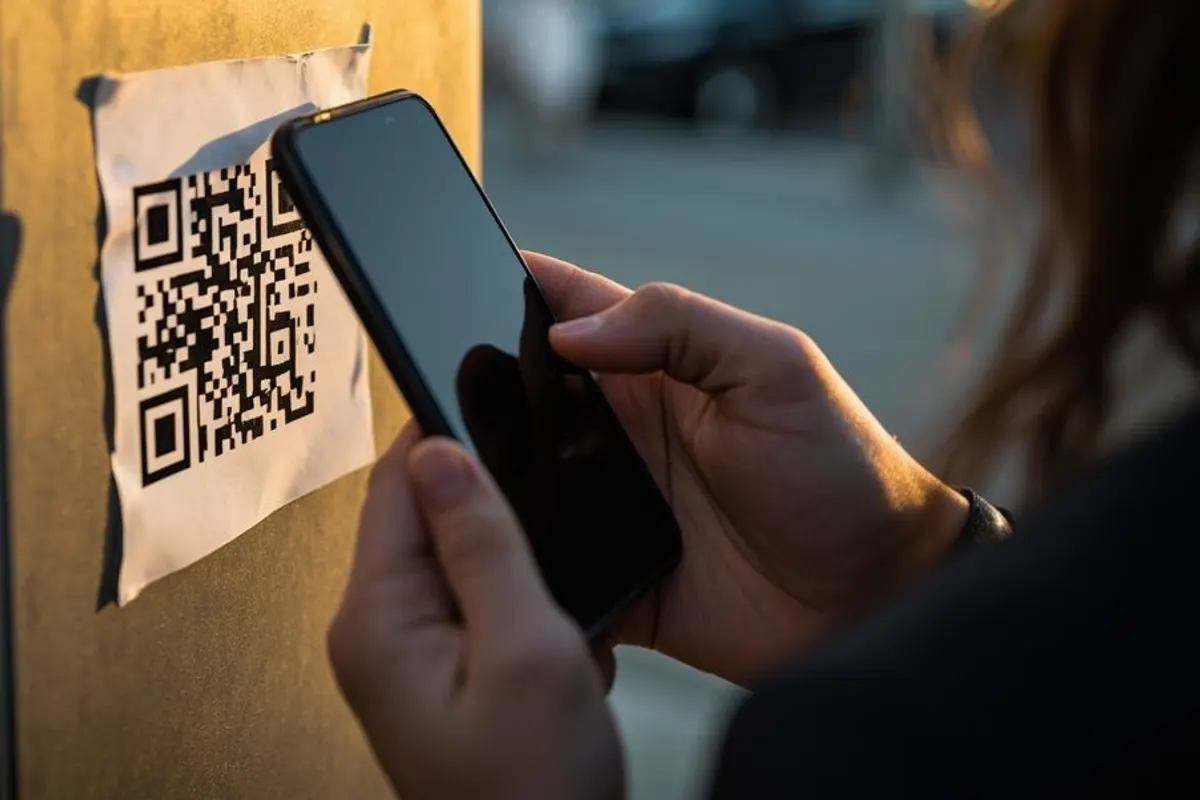
What quishing is
Quishing, short for QR phishing, is a scam that uses a QR code instead of a clickable link. The code leads to a fake login page, a fake payment page or a download, and the victim cannot see the address until after they scan it.
It works because QR codes feel routine. People scan them to pay for parking, read menus and check in, and a phone camera sits outside the email filters and security tools that might catch the same link on a work computer.
Where QR code scams show up
These are the patterns consumer agencies and banks warn about most often.
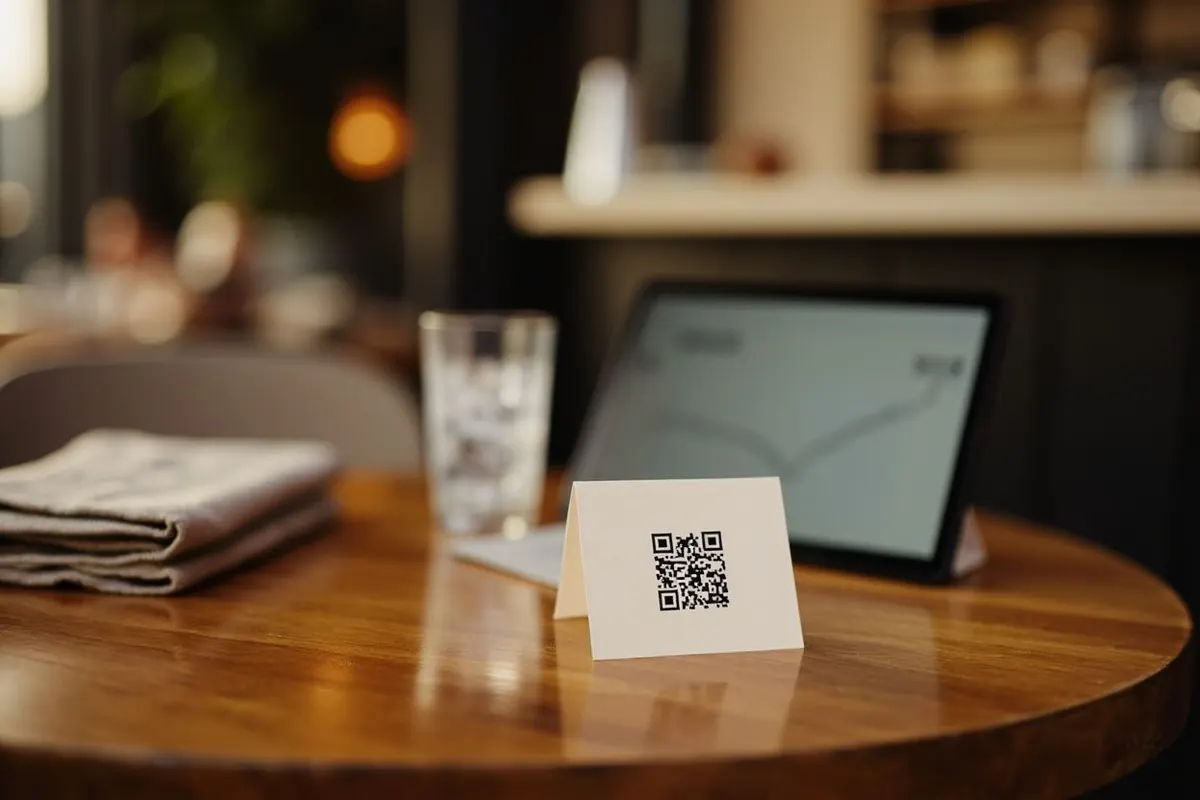
- Stickers over real codes on parking meters, charging points and restaurant tables, leading to a fake payment page.
- Emails with a QR code in an image or attachment claiming your password, two-step login or payroll details need updating.
- Fake delivery notices, left on doors or sent by post, asking you to scan to reschedule and pay a small fee.
- A stranger asking you to scan a code to receive money. On UPI and similar systems, you never scan a code or enter a PIN to receive a payment.
- Codes promising prizes, refunds or crypto giveaways that ask for card details or an app install.
Check before you open
A few seconds of checking stops most QR scams. None of these steps need an app.
- Look at the code itself. A sticker, a raised edge or a code that does not match the sign’s design is a warning.
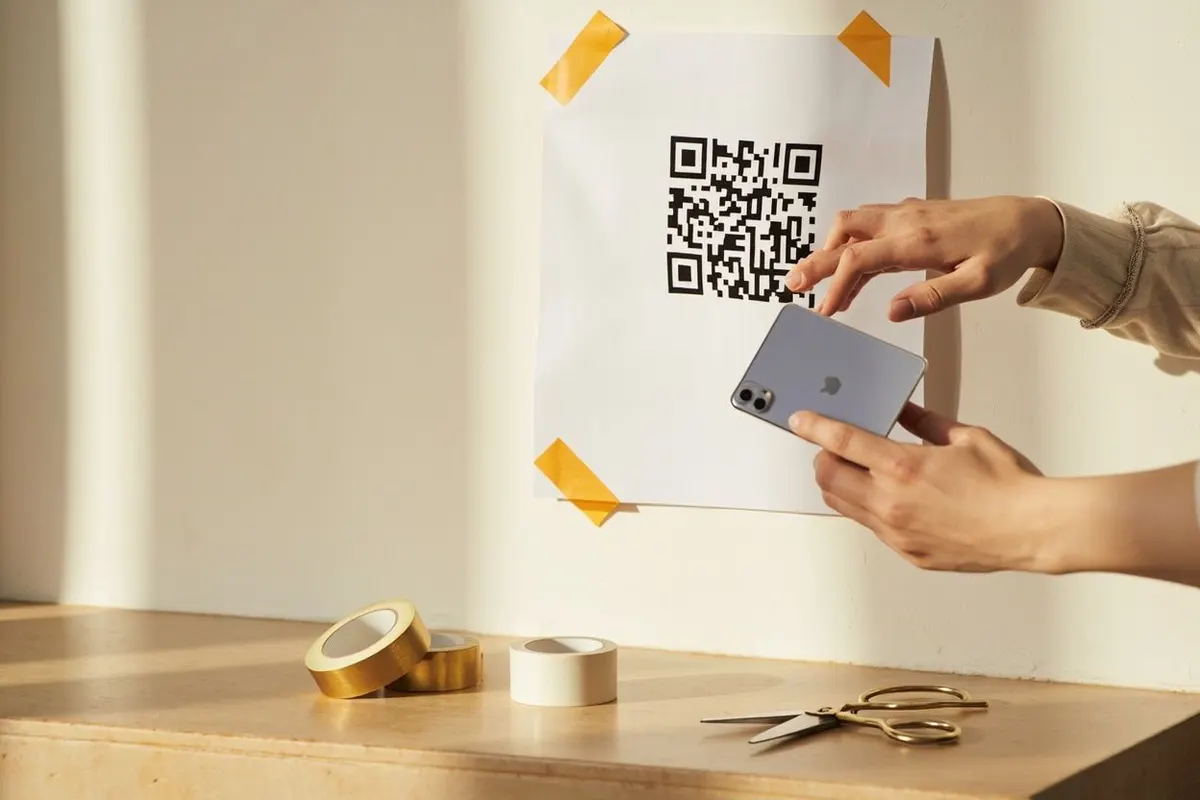
- Read the address your phone shows before you tap it. Check the spelling of the domain and be wary of short links that hide the destination.
- Do not sign in or pay from a code you did not expect. Type the company’s address yourself or use its app.
- Never install an app from a QR code link. Use your phone’s official app store.
- For payments, check the payee name in your banking or UPI app before you approve, and never enter a PIN to receive money.
Source: FBI public service announcement on malicious QR codes.
If you already scanned one
Close the page. If you entered a password, change it on the real site and anywhere you reuse it, and turn on two-step sign-in. If you entered card or bank details or approved a payment, call your bank on the number printed on your card straight away.
If you installed something, remove it and run your phone’s security check. Report the scam to the organisation being impersonated and to your national fraud reporting service; in the United States that is ReportFraud.ftc.gov. Tell the owner of the meter, shop or venue so they can remove the sticker.
Protect the QR codes you print
If your business puts QR codes in public, make them hard to fake. Print the destination as readable text beside the code, such as yourshop.com/menu, so customers can compare it with what their phone shows. Link to your own domain rather than an unfamiliar short link.
Place codes where staff can see them, print them as part of the sign rather than as loose stickers, and check them during opening and closing routines. A direct static code from QRToolset opens your own address with nothing in between, so customers see a domain they recognise.
Common questions
What is quishing?
Quishing is QR code phishing: a scam that hides a malicious link behind a QR code. The code leads to a fake login or payment page, or to a download, and the victim cannot see the address until they scan it.
Are QR codes safe to scan?
Scanning a code only reads the text inside it. The risk comes from what you do next: opening a fake site, signing in, paying or installing something. Check the address your phone shows before opening it, and take most care with codes in public places and unexpected emails.
Can scanning a QR code hack my phone?
Scanning alone rarely does anything harmful on an up-to-date phone, because the camera only decodes text. The danger is the page it opens and anything you enter or install there. Keep your phone updated and treat the link like any other unknown link.
How can I tell if a QR code is fake?
Look for a sticker over the original, a code that does not match the sign’s design, or an address that is misspelled, unfamiliar or hidden behind a short link. When in doubt, skip the code and type the organisation’s known address yourself.