Small business
How to put a QR code on a business card
Add a QR code that saves your contact details or opens your website. Choose vCard or a link, size it for a card and test a printed proof.
Decide what the code should do
A QR code on a business card usually does one of two jobs. It either saves your contact details straight into the phone’s address book, or it opens a page such as your website, portfolio, booking page or LinkedIn profile. Pick one job per code; a card with two QR codes makes people guess.
A contact QR uses the vCard format. Your name, phone, email and company are written into the image itself, so the code works without a website and never depends on a server. The trade-off is that the details are fixed: a new phone number means a new card. A link QR holds only an address, so you can keep the page current while the printed code stays the same.
If your details change often, link to a page you control, such as a contact page on your own domain. Avoid free link shorteners and trial dynamic codes for something you will hand out for years.
Make a contact QR in a few minutes
The vCard tool on QRToolset builds the contact card in your browser. Nothing you type is uploaded to create the code.
- Open the vCard QR code generator and choose version 3.0, which modern iPhone and Android contact apps import well.
- Enter only the fields you want saved: name, mobile number, work email, company and job title. Leave out fax numbers, second addresses and long notes.
- Add your website if you want it saved with the contact. Use the full https address.
- Check the preview, then download SVG for your print designer or a large PNG, such as 2048 pixels, for tools that need an image.
- Keep a dark code on a white background. Brand colours are fine if the code stays much darker than its background.
Size and place it for a small card
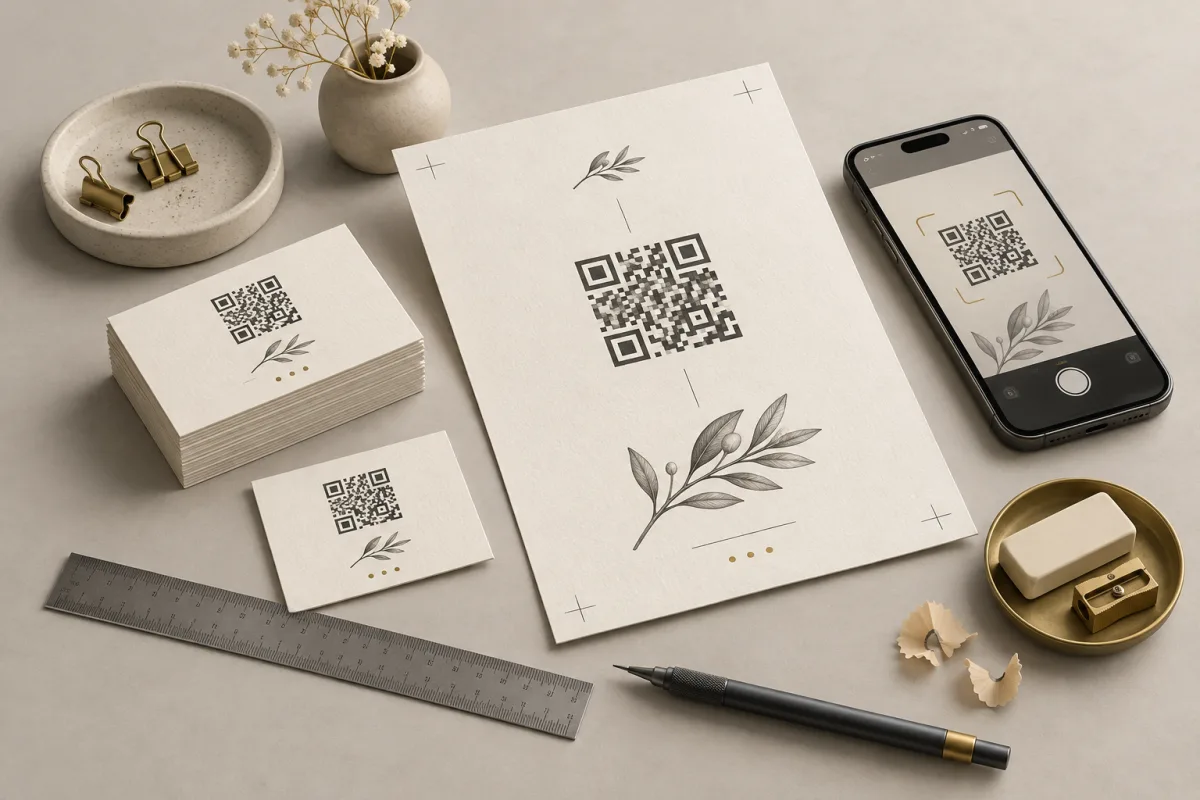
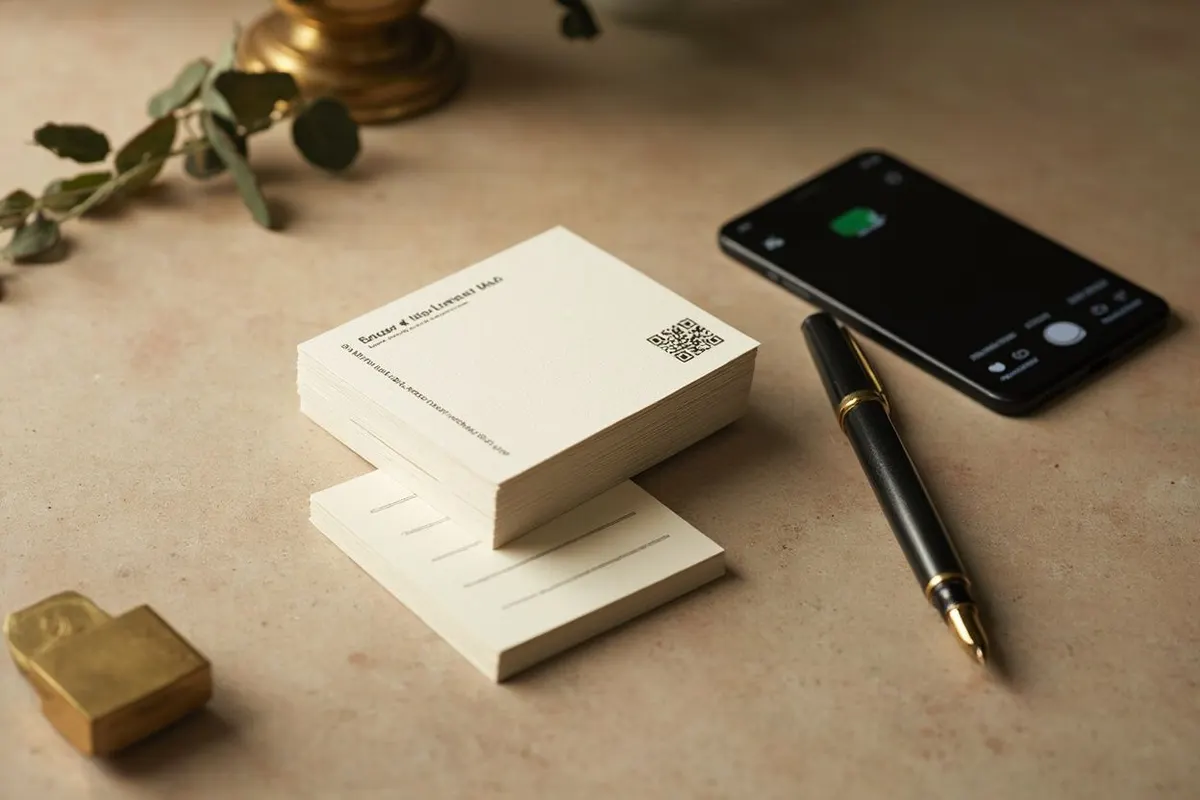
A standard business card is about 85 by 55 mm (3.5 by 2 inches), and people hold it at reading distance. A code about 2 to 2.5 cm (0.8 to 1 inch) wide, plus its white border, usually scans comfortably there. A vCard with many fields packs more squares into the same space, so trim fields before you shrink the code.
Put the code on the back of the card or in a corner of the front, never across a fold, embossing, foil or spot varnish. Keep the white quiet zone free of text and borders. Add a short label beside it, such as “Scan to save my contact” or “See my portfolio”, so people know what the scan will do.
Test one card before you print 500
Print one card on the real stock at the real size. Scan it with an iPhone and an Android phone, in normal indoor light, from the distance someone would hold it.
- For a contact QR, save the contact and open it. Check that the name, number and email landed in the right fields.
- For a link QR, open the page on mobile data rather than office Wi-Fi, and check it loads quickly and reads well on a small screen.
- Check glossy or laminated finishes under a ceiling light. Glare across the code is a common reason a card fails in real use.
- Ask someone who has never seen the card to scan it without instructions.
When your details change
A vCard QR cannot be edited after printing, because the details live inside the pattern. When you change your number or job, make a new code and reprint. Cards are cheap; a code that saves the wrong number is not.
To update the destination without reprinting, use a link QR that points to a page on your own website, or an editable QR from a paid plan. QRToolset editable codes open web pages and hosted files rather than contact cards, so the usual setup is an editable link to a contact page that offers your vCard as a download.
Common questions
What should a QR code on a business card link to?
Either your contact details as a vCard, so people can save you in one tap, or a page you control, such as your website, portfolio or booking page. A vCard works offline and never breaks; a link lets you update what people see without reprinting.
How big should a QR code be on a business card?
About 2 to 2.5 cm (0.8 to 1 inch) wide for a simple code, plus the white border around it. A vCard with many fields is denser, so either trim the fields or give it more room. Always scan a printed proof before ordering the full run.
Do people need an app to scan a business card QR code?
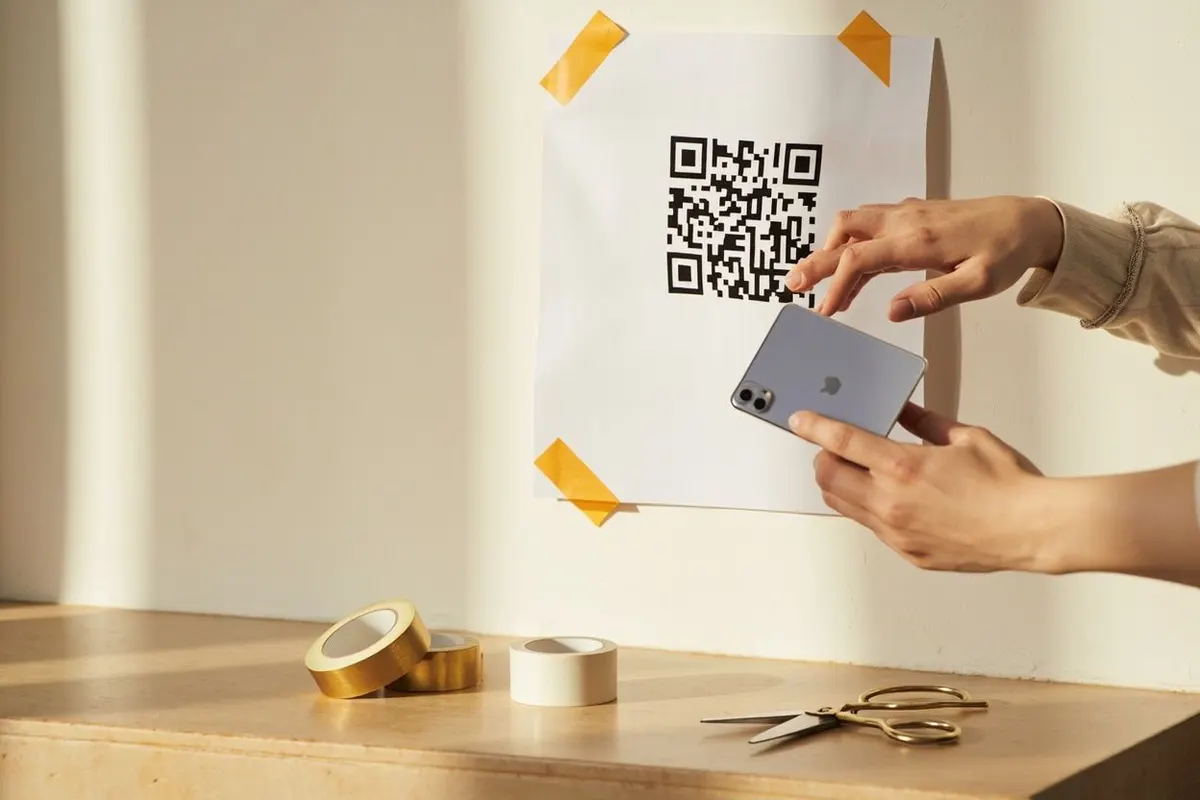
Usually not. The built-in camera on current iPhones and most Android phones reads QR codes and offers to save a contact or open a link. Some older Android phones need Google Lens or a separate scanner app.
Is a digital business card better than a vCard QR?
A digital business card is a hosted web page, so you can edit it later, but it depends on the service that hosts it. A vCard QR saves straight to the phone and has no running cost. Many people print a vCard code and keep a profile page for everything else.
Can I put a logo in my business card QR code?
Yes. Upload a PNG, JPG, GIF, SVG or WebP logo up to 2 MB under Make it yours. Keep the logo small, because a contact code is already dense, and scan the printed card before you order the run.